 8ff173b186
This clarifies the error description in the 'Cloning the repository' section of the README. The current wording mentions 'an error about a bad commit', which is somewhat vague. I've updated it to 'an error about a bad commit timestamp', which more accurately describes the nature of the error referenced in issue #2690.
This small change improves the clarity of the documentation, helping users better understand the potential issue they might encounter when cloning the repository and why they need to use the specified Git flag.
2.9 KiB
Requests
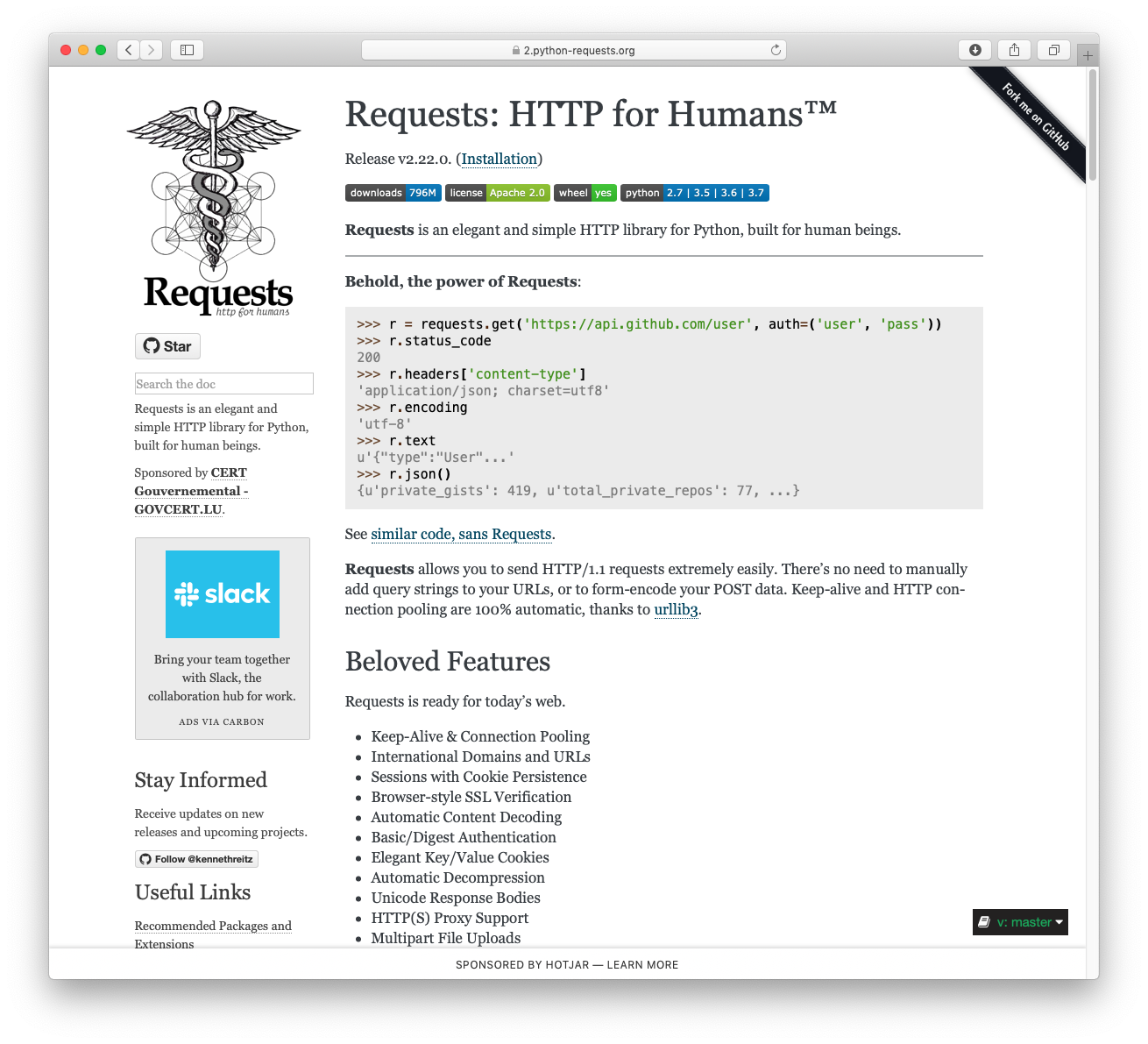
Requests is a simple, yet elegant, HTTP library.
>>> import requests
>>> r = requests.get('https://httpbin.org/basic-auth/user/pass', auth=('user', 'pass'))
>>> r.status_code
200
>>> r.headers['content-type']
'application/json; charset=utf8'
>>> r.encoding
'utf-8'
>>> r.text
'{"authenticated": true, ...'
>>> r.json()
{'authenticated': True, ...}
Requests allows you to send HTTP/1.1 requests extremely easily. There’s no need to manually add query strings to your URLs, or to form-encode your PUT & POST data — but nowadays, just use the json method!
Requests is one of the most downloaded Python packages today, pulling in around 30M downloads / week— according to GitHub, Requests is currently depended upon by 1,000,000+ repositories. You may certainly put your trust in this code.



Installing Requests and Supported Versions
Requests is available on PyPI:
$ python -m pip install requests
Requests officially supports Python 3.8+.
Supported Features & Best–Practices
Requests is ready for the demands of building robust and reliable HTTP–speaking applications, for the needs of today.
- Keep-Alive & Connection Pooling
- International Domains and URLs
- Sessions with Cookie Persistence
- Browser-style TLS/SSL Verification
- Basic & Digest Authentication
- Familiar
dict–like Cookies - Automatic Content Decompression and Decoding
- Multi-part File Uploads
- SOCKS Proxy Support
- Connection Timeouts
- Streaming Downloads
- Automatic honoring of
.netrc - Chunked HTTP Requests
API Reference and User Guide available on Read the Docs
Cloning the repository
When cloning the Requests repository, you may need to add the -c fetch.fsck.badTimezone=ignore flag to avoid an error about a bad commit timestamp (see
this issue for more background):
git clone -c fetch.fsck.badTimezone=ignore https://github.com/psf/requests.git
You can also apply this setting to your global Git config:
git config --global fetch.fsck.badTimezone ignore